







OpenClaw AI Agent + TriboSolver: Running Simulations from Telegram and Building Custom Reports
By Aydar Akchurin
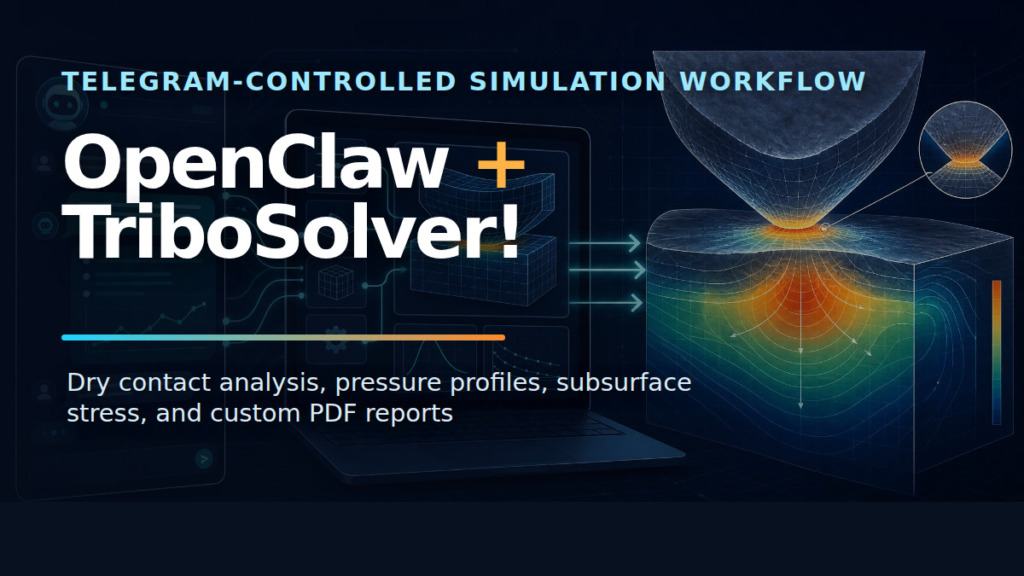
OpenClaw AI agent + TriboSolver turned out to be a useful combination for a practical tribology workflow and even more than that – a glimpse into the future way of working with software. I used TriboSolver as the calculation tool and controlled the whole experiment from a Telegram chat through an OpenClaw agent. This is the future of such analysis workflows and hopefully, that will change the way people communicate with computers. Finally, we will stop sitting all day in front of a computer clicking buttons and preparing reports! These days are going to come to an end, for good or for bad.
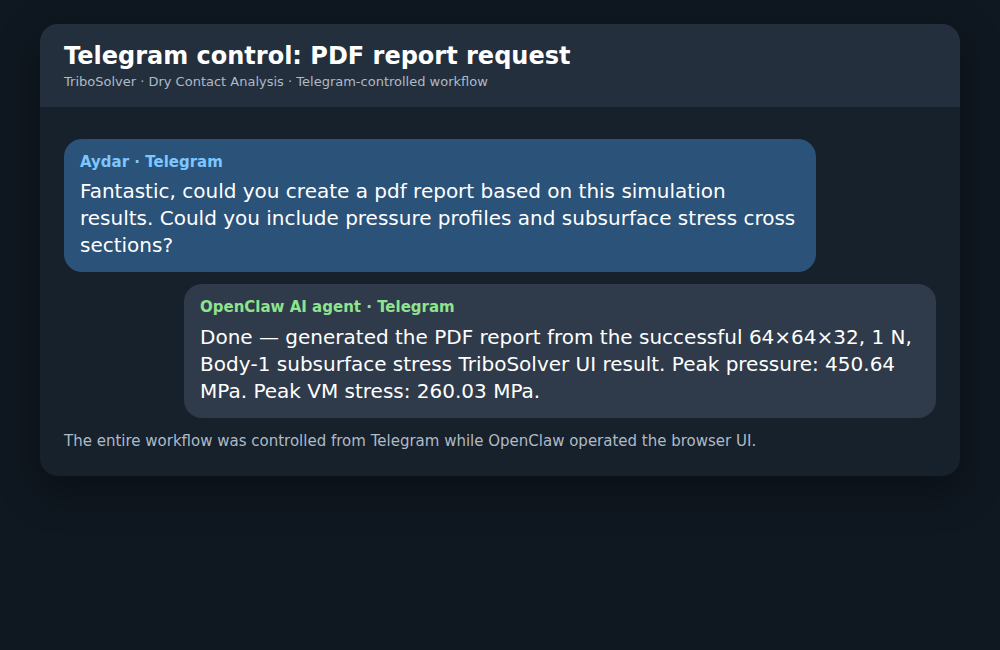
OpenClaw is an agent runtime that connects chat, browser automation, files, and local tools. In this case it worked as a Telegram-controlled engineering assistant: I gave short instructions in the TriboSolver Telegram topic, and the OpenClaw AI agent operated the TriboSolver web UI, extracted result data, created plots, and compiled PDF reports. I want to emphasize, the plots were created by the agent, not screenshotted from the UI, and I could manipulate plots as I wanted to and create a custom report as I wanted to. And after initial set up, it worked just fine.
Simulation setup
The test case was a dry point contact solved in TriboSolver with the Boundary Element Method. I used a 64 × 64 × 32 grid over a 6e-5 m domain and enabled subsurface stress for Body 1.

- Simulation: Dry Contact Simulation
- Model: Boundary Element Method
- Loads: 1 N and 0.1 N
- Body 1: E = 200 GPa, ν = 0.30, H = 2.0 GPa
- Body 2: E = 160 GPa, ν = 0.27, H = 9.5 GPa
- Geometry: point contact, radii 1e-2 m for both bodies
- Friction: none
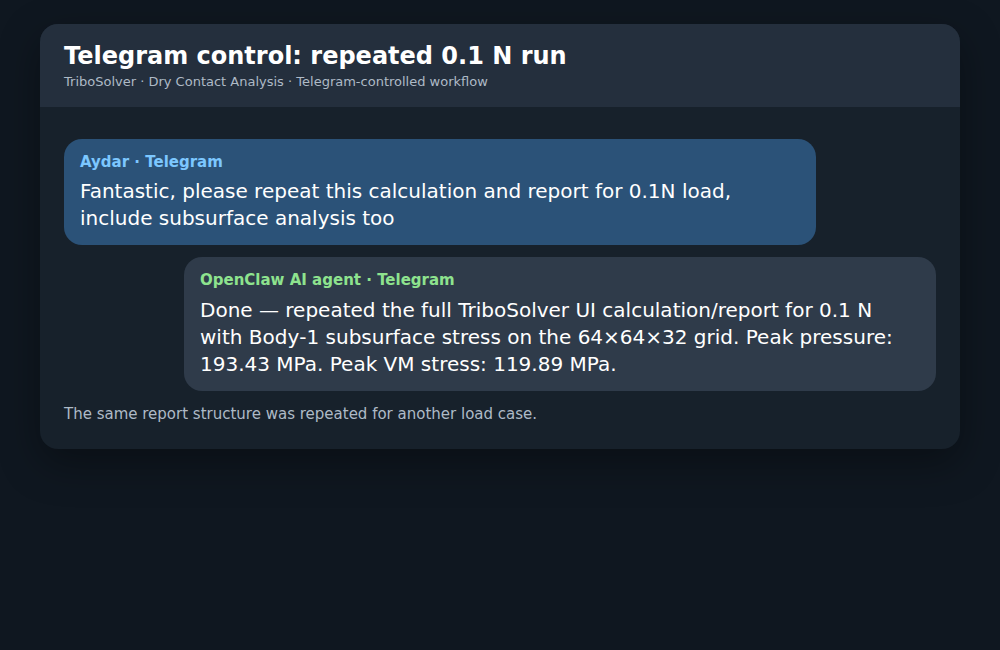
For the 1 N case, the average contact pressure was about 303 MPa and the real contact area was about 3.30e-9 m². For the 0.1 N case, the average contact pressure was about 128.6 MPa and the real contact area was about 7.78e-10 m².
What changed in the workflow
The solver remained TriboSolver. The OpenClaw AI agent did not replace it with a backend script or a simplified calculation. It used the actual web interface, loaded the result files, selected result variables, and pulled data from the Results tab. It was capable of pulling all the data it needed from the results tab, it understood well that the file names have to be changed for each simulation and it was easy to communicate with. I did not teach it how to change tabs in the software or anything like that.
The report was generated outside the capabilities of the tool,. The agent used the calculated pressure and stress fields, then compiled its own graphs as requested:
- contact pressure maps,
- pressure profiles through the center,
- Body 1 Von Mises stress cross-sections,
- X-Z stress sections at y = 0,
- centerline stress curves through depth.
Pros compared with a usual GUI workflow
- Faster iteration after the calculation. I could ask for another cross-section or centerline curve directly in Telegram.
- Repeatable reporting. Once the 1 N report structure existed, the 0.1 N report followed the same pattern.
- Custom plots. The final PDF was not limited to predefined report layouts.
- Solver transparency. The calculation still came from TriboSolver, so the GUI remained the source of truth.
Cons and rough edges (these are temporary)
- Browser control sometimes required manual approval from the remote desktop.
- Web UI automation is more fragile than a clean result API.
- The agent can automate plotting, but the engineer still needs to judge whether the model and results make sense.
Report generation
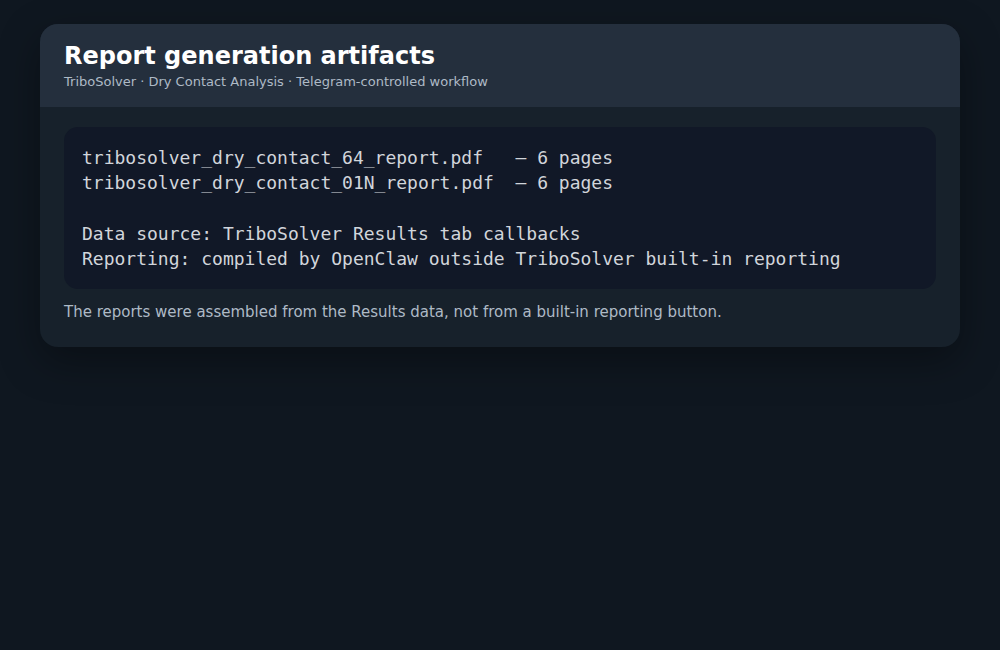
The reports were assembled from TriboSolver result data, not from a built-in reporting button.
Future of calculation tools and analysis work in general looks like this
The future of computation and analysis in general is changing and its going to change fast, at the pace of the AI agents development. Few months ago, the workflow discussed in the article was not possible and today, end to end calculations can be driven by talking to agents like to humans, not clicking buttons on the keyboard. Implications of this are high, this will change the way of working and the way software like TriboSolver is going to be built. Hopefully, changes will be positive, where I personally believe that we will spend less time in front of the computer clicking buttons and preparing reports, and more time meeting people, creating things in the labs and traveling. All this while our AI agents doing the work that we direct them to do.
AI development in recent years made it possible to shift the way we work with software tools like TriboSolver. We dont need to learn UIs anymore or spend time creating UIs. We need to create tools that are accessible to AI agents. However, the solvers themselves proved to be relevant as the AI agents wont be able to run these simulations on their own, nor it will be transparent and reliable enough to do so. The useful direction is thus is the trusted solvers (no UIs, only APIs for agents) with better automation around them.
The ideal stack is simple: a reliable solver core, and an automation layer of agents that can extract results, compare cases, build custom plots, and generate reports. OpenClaw acted as that automation layer in this experiment.
For tribology this matters because a contact calculation produces many useful fields: pressure, displacement, contact area, gap, plastic deformation, and subsurface stress. The calculation is only part of the job. The other part is turning those fields into insight quickly.
Takeaway
Discussed calculation workflow feels like a practical future for engineering software: less time formatting reports, more time asking the next engineering question.
0 Comment